

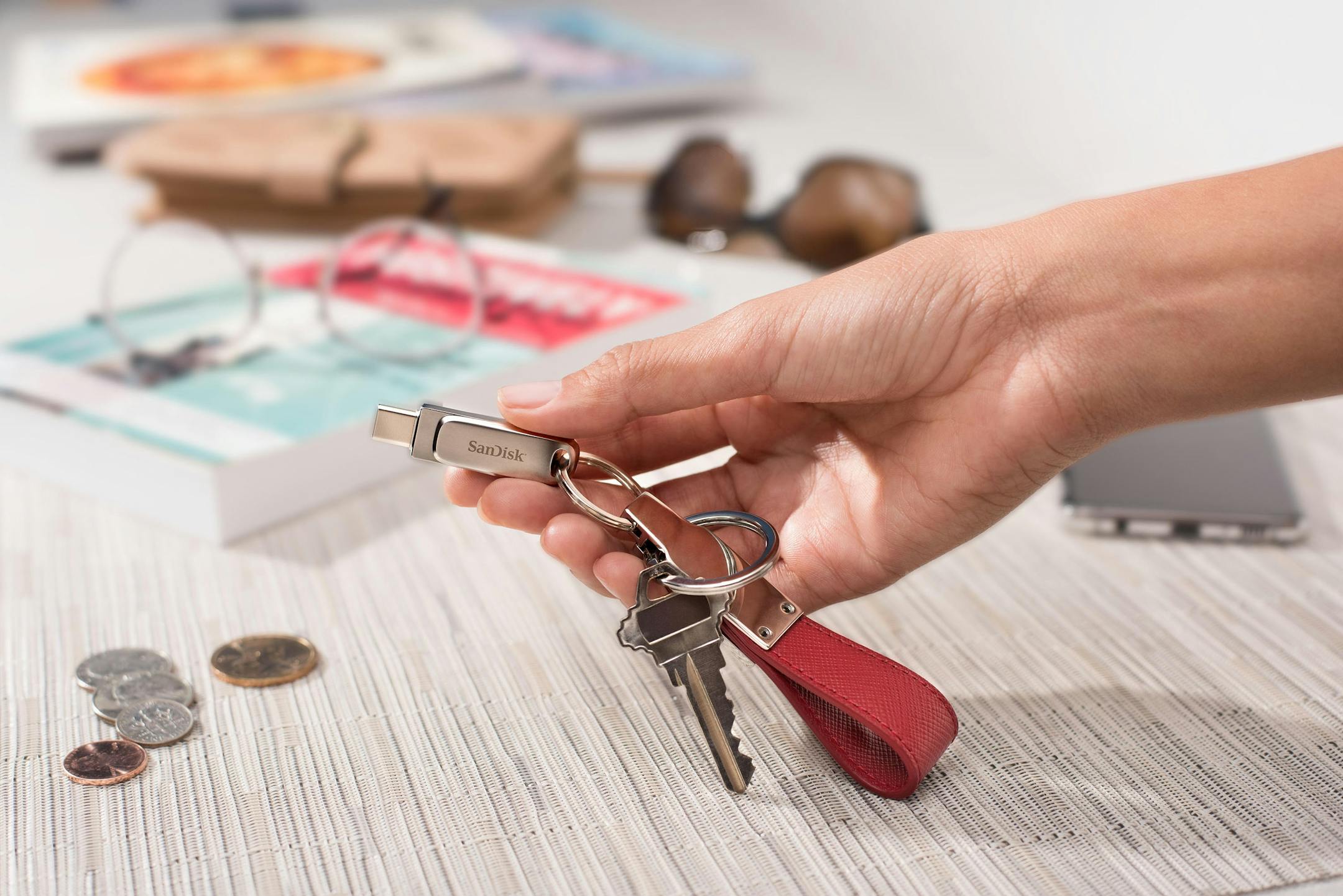
Q: I have many important files and photographs backed up on a USB flash drive. I am worried about losing them because of data corruption tied to age. How long do these drives last?
A: A quality flash drive stored in a dry place away from temperature extremes will last more than 10 years or 10,000 usage cycles. But while your data likely is safe from age corruption, there are other dangers — such as misplacing or damaging the drive. I encourage you to back up your data in several places in case something happens to that flash drive. There's a common saying in the IT industry: "There are two types of people in this world. Those who back up their data, and those who wish they had."
You have a lot of options. While cloud services like Apple iCloud and Google Drive are convenient, it still is a good idea to have important files and photographs in your possession and not just in cyberspace. My most important photographs are stored on my Mac Pro's hard drive, an external hard drive, a Google Drive account and several flash drives. I even keep my photographs on the memory cards after I transfer them to other devices. A $20 SDXC card can hold thousands of pictures and videos. Why not buy new cards for your important trips and leave the pictures on your cards after transfer? It's an inexpensive, effortless backup.
If you have an iPhone and use iCloud, you can use a computer to log on to iCloud.com to find your data. If you have an Android phone or Google Photos installed on your iPhone, you can log on to photos.google.com with your Google account and find your photographs there. A friend called because his young son had broken his Android phone and they were afraid the pictures were lost. They were relieved to learn that the pictures could be retrieved by accessing the Google Photos website on a computer, and the images would restore on a new Android phone when they set it up. It's a good reason to install Google Photos on your iPhone, and if you have more than one Google account, be sure to check Google Photos on your computer with all of them.
While we are discussing phones, here is a safety tip many people are unaware of. Your phone has a built-in "panic button" for emergency situations. With an iPhone, hold down one of the volume buttons and the power button together for several seconds and a countdown will commence. If the buttons are not released within eight seconds, a call will be placed to 911 and your emergency contacts will be alerted with your location. It can be used to call for help discreetly with the phone in a pocket. With an Android phone, press the power button three times quickly to notify 911 and message your emergency contacts.
Send questions to Don Lindich at donlindich@gmail.com. Get recommendations and read past columns at soundadvicenews.com.


