

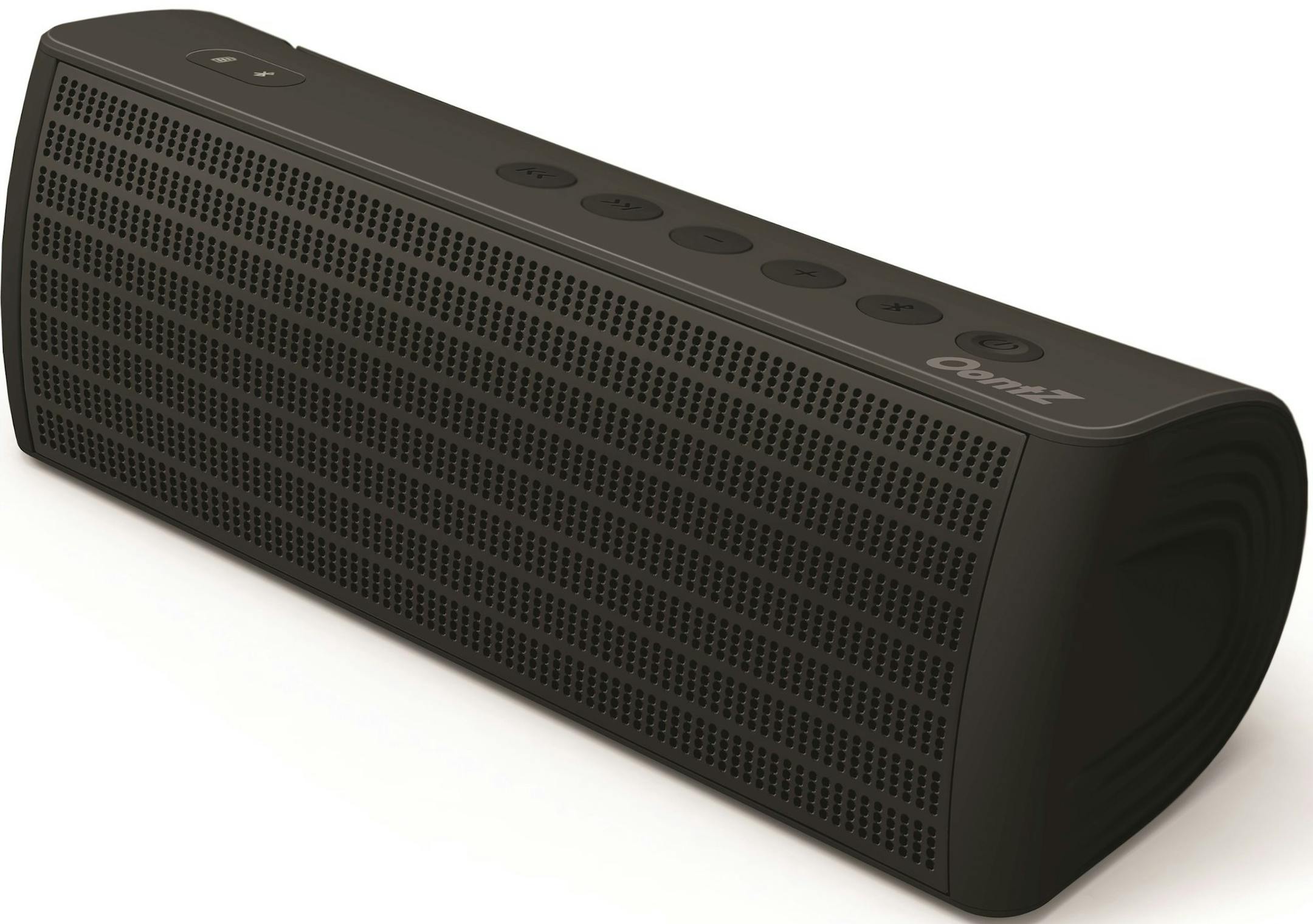
Q: I read your recent column on the Cambridge SoundWorks Oontz XL speaker. I received mine, and it works great with my iPad, but I'm confused about making a connection to my TV.
My TV doesn't have a headphone output or analog audio outputs, just an optical digital output. You said to use a converter with the TV's digital audio output, but I'm in the dark on what to buy. I went to Radio Shack, but it didn't seem to have anything.
Can you recommend products and instruct me on how to make the proper connection?
A: Here's how to use the speaker with a television's optical digital audio output. You can use this technique with other audio products, too.
Most TVs have an optical digital audio output for use with an external audio system. The Oontz XL has only Bluetooth and a miniplug auxiliary input. We need to change the TV's digital audio signal into an analog audio signal and send it to the Oontz XL miniplug input.
First, you need an optical digital audio cable. These are available online for $6 or less. There's no need to buy anything fancy, because a $5 cable will work just as well as a $500 cable. If your TV's screen is more than 37 inches, get a 6-foot cable. It's surprising how a 3-foot cable ends up being too short once you wrap it around TV stands and other things. A 6-foot Bluerigger optical cable sells for $6 on Amazon.
Connect the digital audio cable to the output on your TV.
Next, you need a converter. You'll probably need to go online to get one. The Sanoxy AGPtek Digital Optical Coax to Analog RCA Audio Converter Adapter has received good reviews on Amazon and sells for less than $17.


