The Sense home energy monitor is possibly the coolest tool ever invented to track home energy usage. One of the inspectors in my company, Joe, told me about this device a few months ago. He installed one of these monitors in his home last year, and he has turned into a geek about monitoring his home's energy usage. I installed one in my own home about a month ago, and it has quickly turned me and my wife into energy-use geeks.
Well, mostly just me, but I put the app on my wife's phone, and I saw her check it at least once.
What's a Sense?
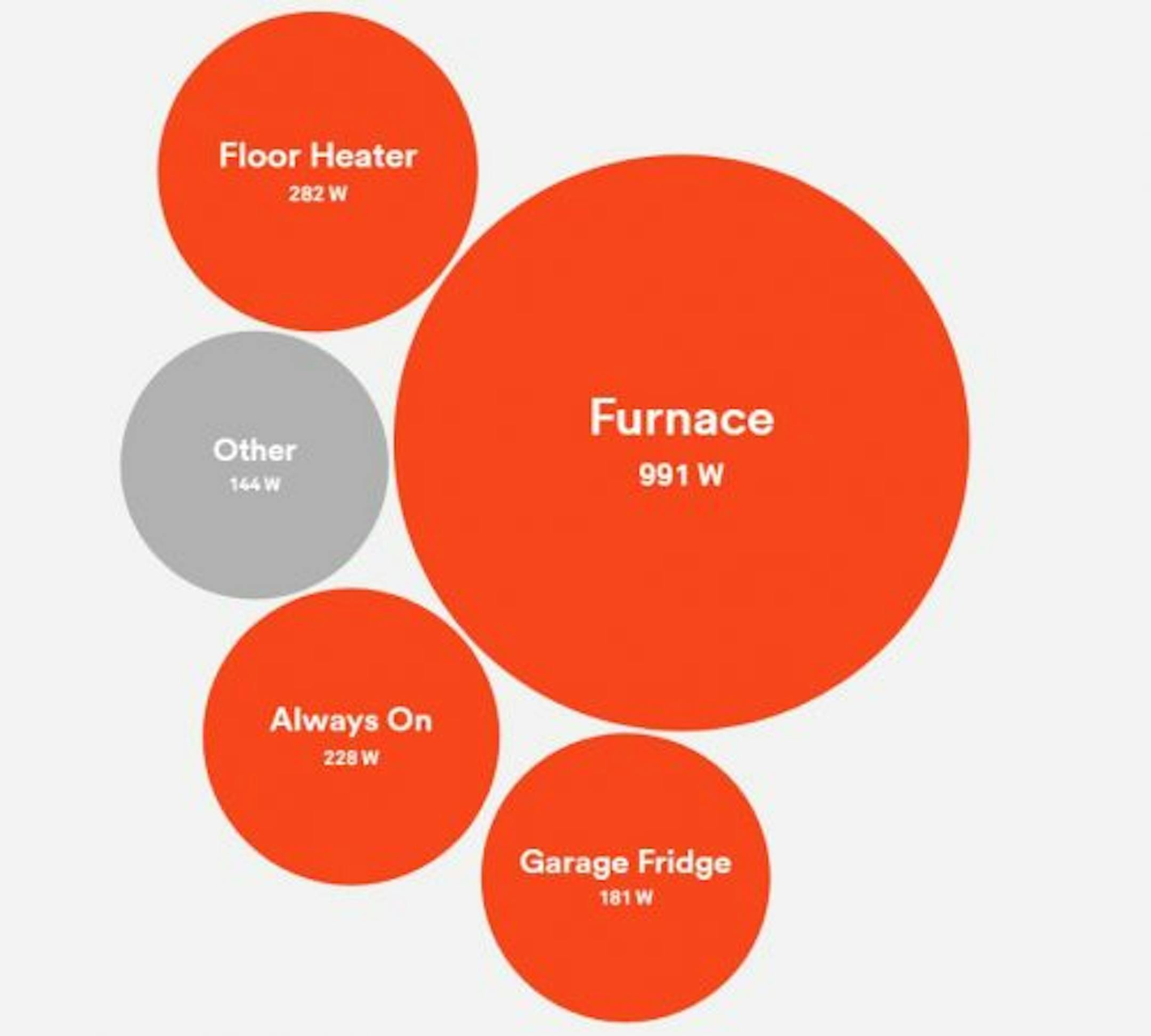
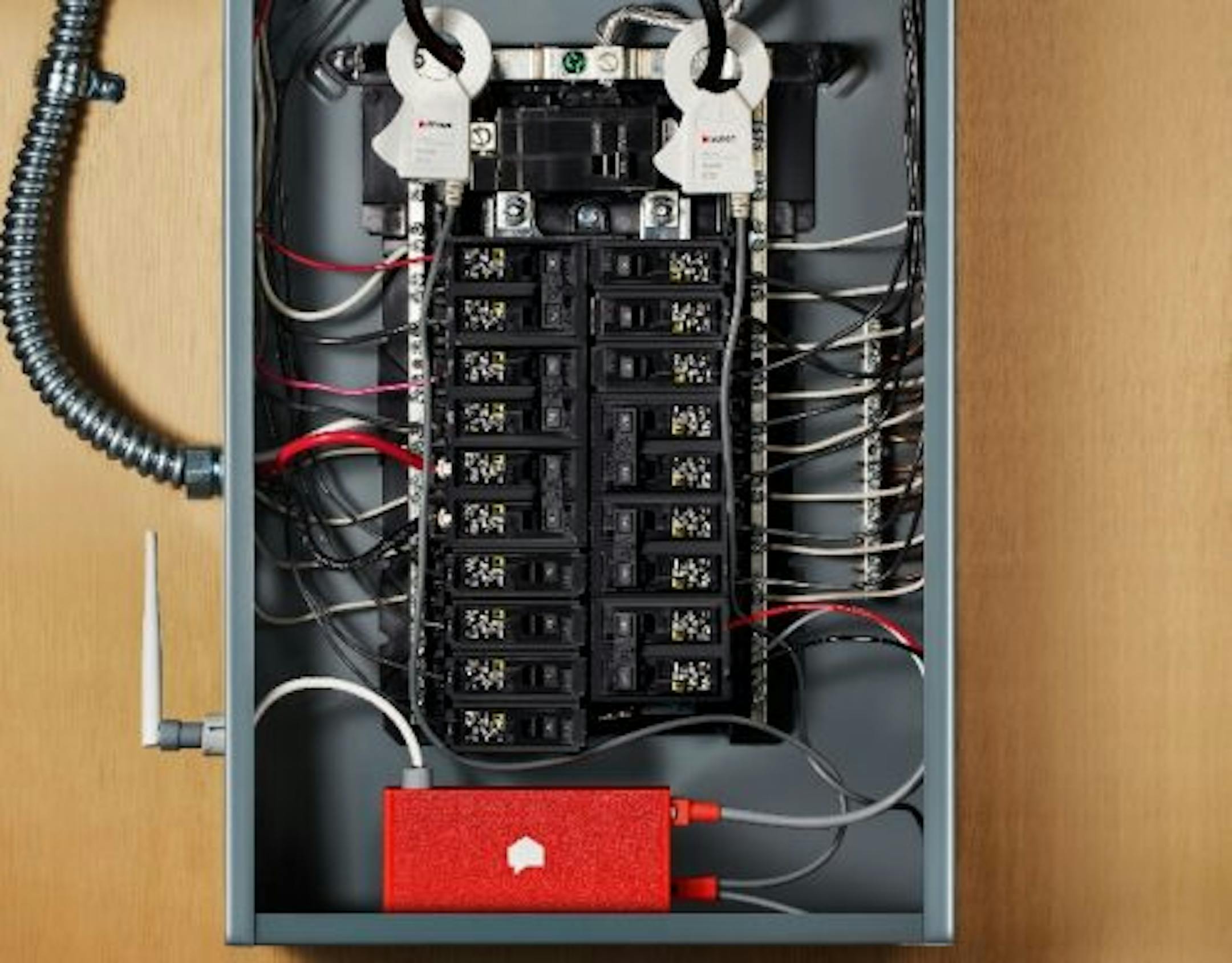
The Sense Home Energy Monitor is a little orange box that gets installed in your main electric panel. It has a pair of clamps that go around the two main 'hot' wires coming into your panel, and these relay energy usage back to the device. From there, the device tells you more information about your electricity usage than you could imagine. It connects to your home's wifi, you install an app on your phone, and it starts learning.
Have you ever heard the quote "Anything that is measured and watched, improves"? That's the beauty of this device. Once you have it installed, your electricity usage gets measured. You do the rest.
The power meter
The most powerful tool with the Sense is probably the power meter, which is a real-time moving graph of your home's power usage. You flip off a light? The graph bumps down. Turn on a space heater? The graph goes up. It's all instantaneous, and it works from anywhere.

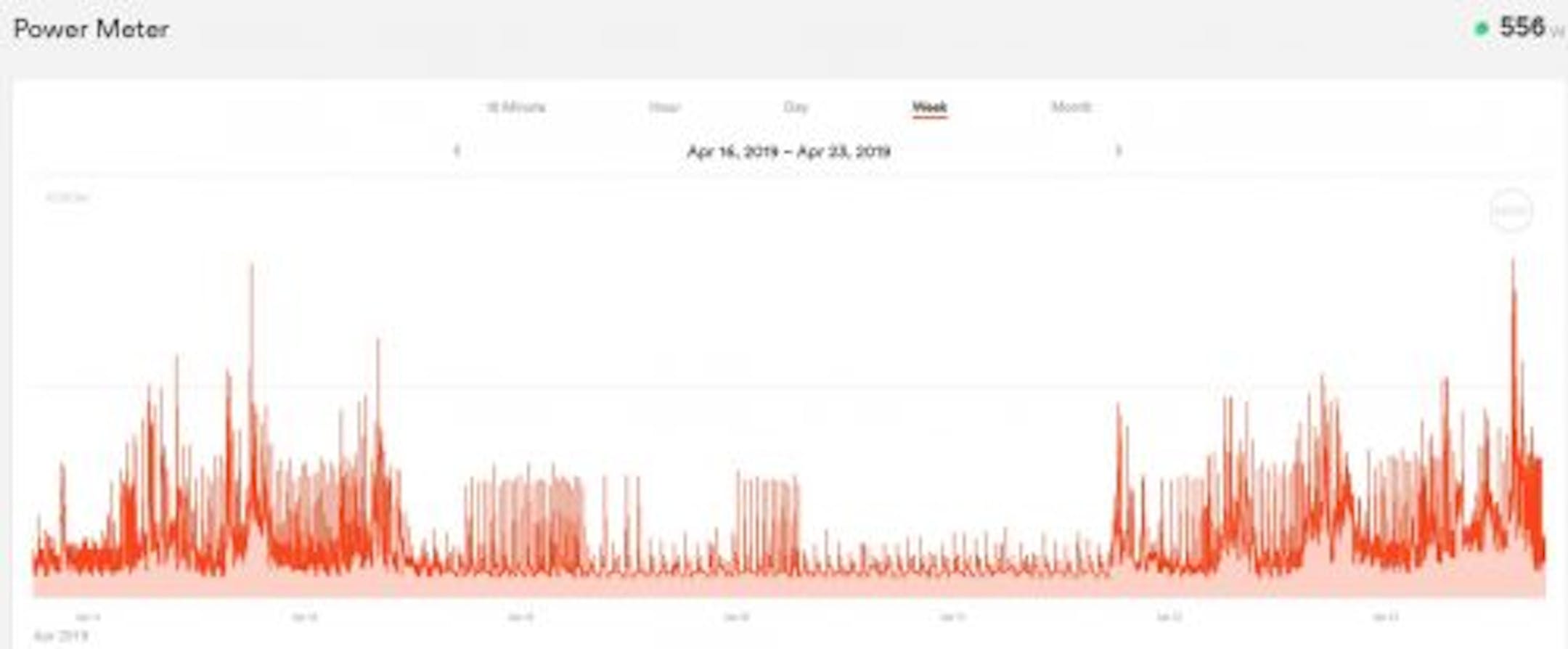
You can change the range of the graph by pinching it, just like zooming in on a photo on your phone. It's intuitive and works flawlessly. Here's a graph showing a one-week period at my home. Can you tell when my family was out of town?
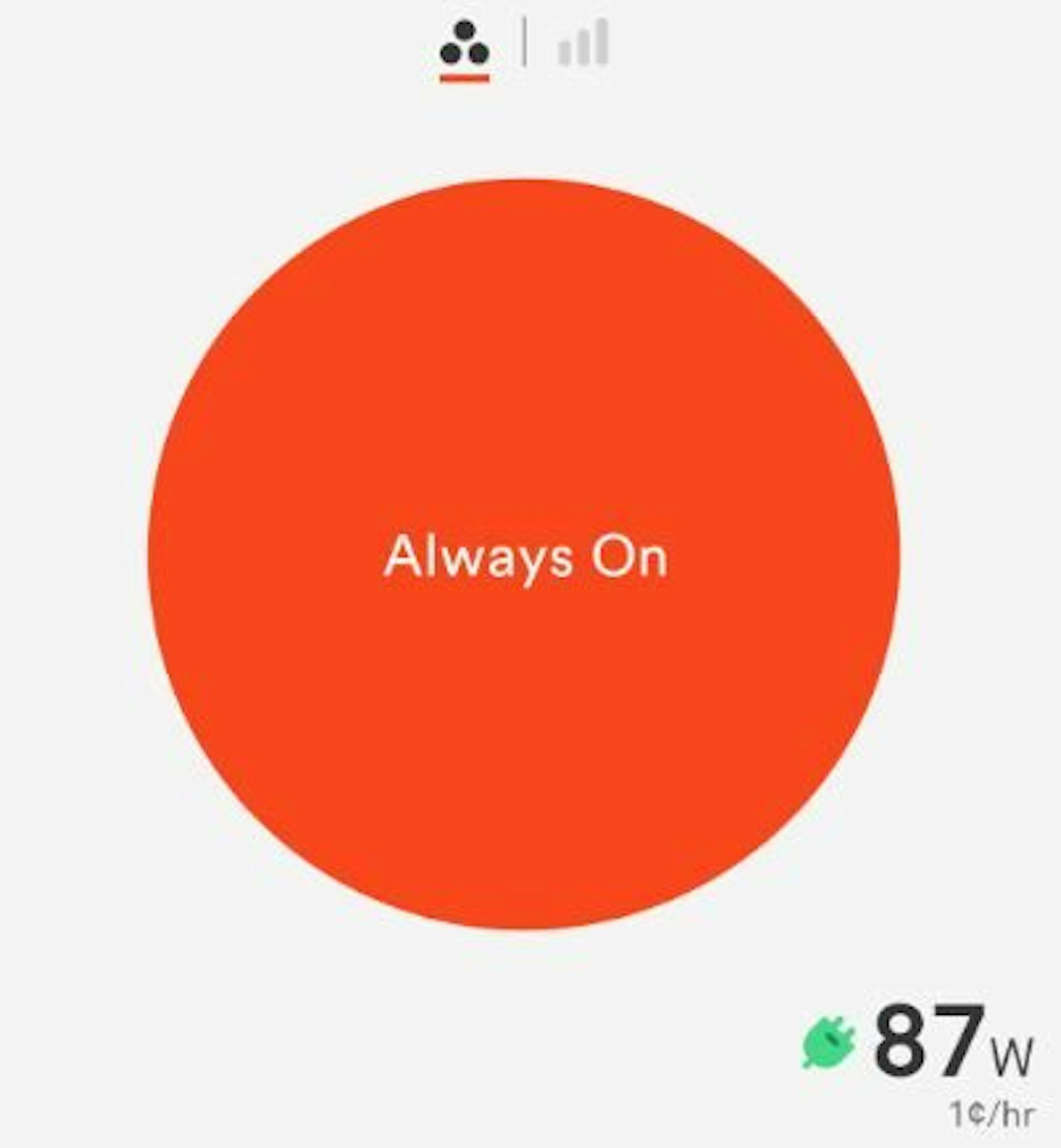
I used the power meter right away to go around my house and track down almost all of my power usage. I turned off my furnace, unplugged my HRV, unplugged my computer equipment, my printers, the TV, chargers... on and on until I was down to 87 watts. Each time I unplugged something, I paid attention to what happened to the meter. This was quite satisfying.
As you can see from the screenshot below, the remaining 87 watts costs me about 1¢/hour. I didn't unplug my cable modem, cell phone signal booster, router, and Arlo hub. I suspect those things took up most of the remaining 87 watts that I didn't track down.