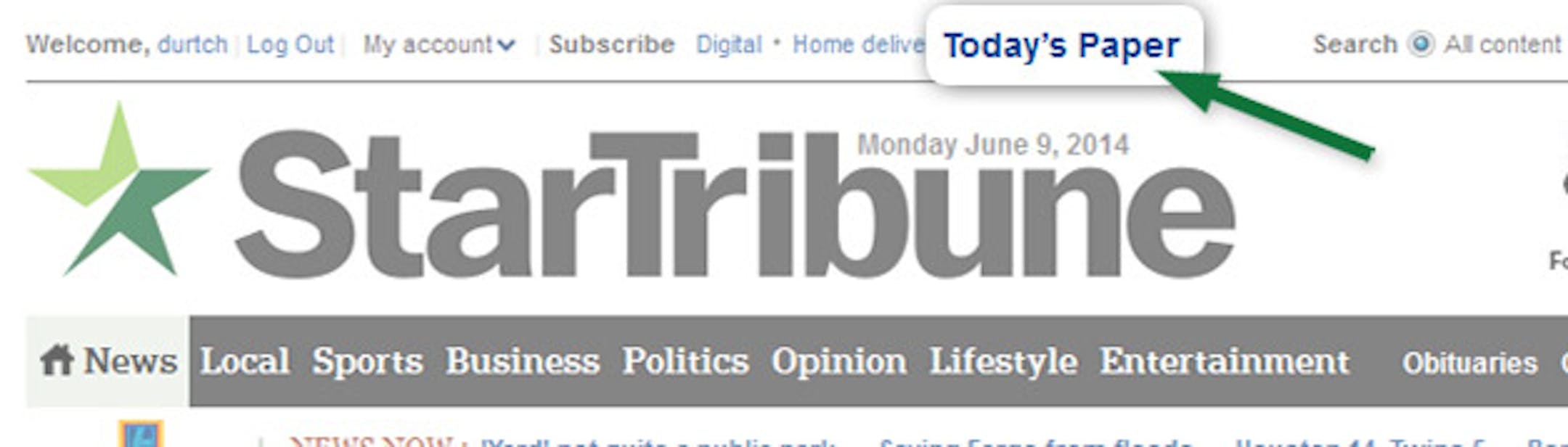
eEdition Tips

Star Tribune eEdition provides access to a complete, interactive replica of the print version. Stay up to date at home, at work, or on-the-go with news from Minneapolis, St. Paul, the Twin Cities metro area and Minnesota.

July 8, 2014 at 2:04PM

eEdition tips

eEdition lets you navigate an exact replica of the print newspaper. Below are some tips to help you get started.

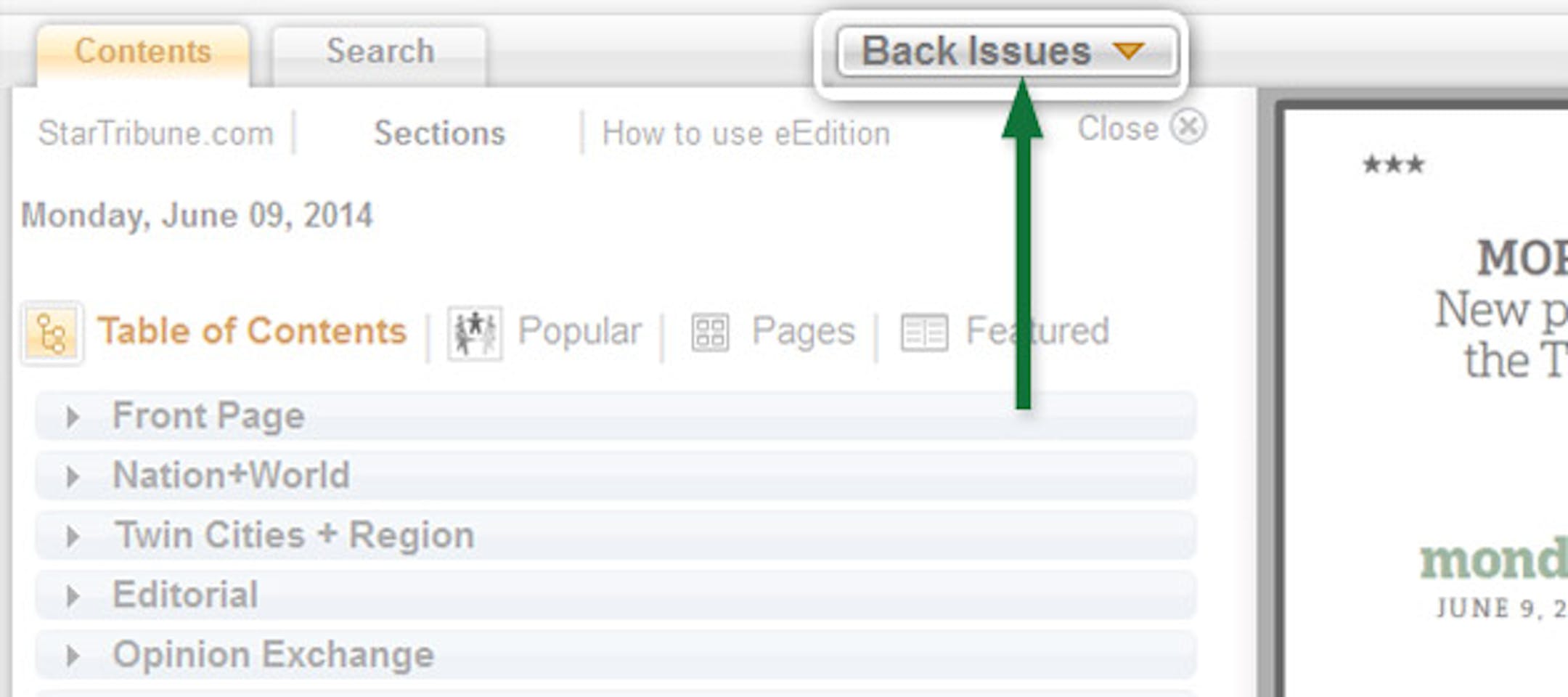
  • Click on the "Back Issues" button to view up to 30 days of previous editions.
    (The Minnesota Star Tribune)
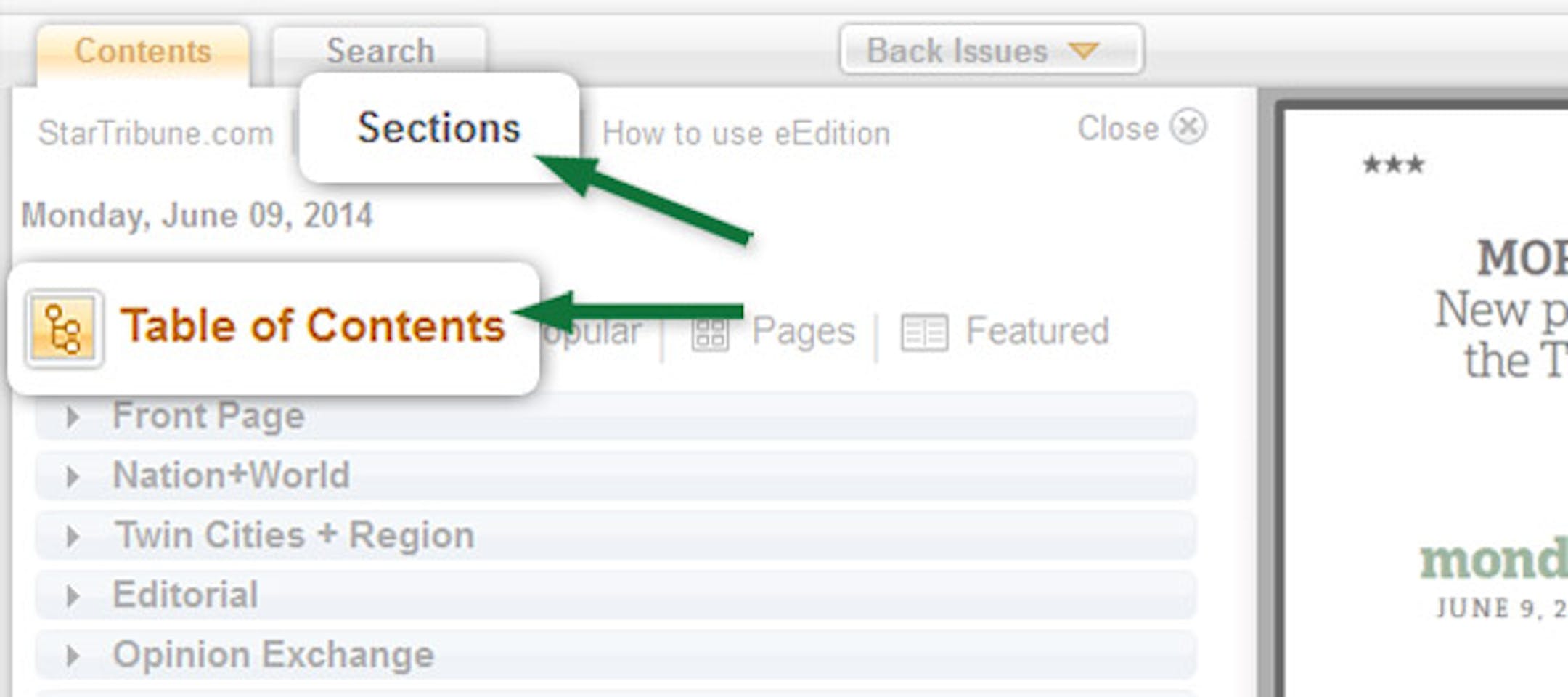
    • Find articles easily from the table of contents.
      (The Minnesota Star Tribune)
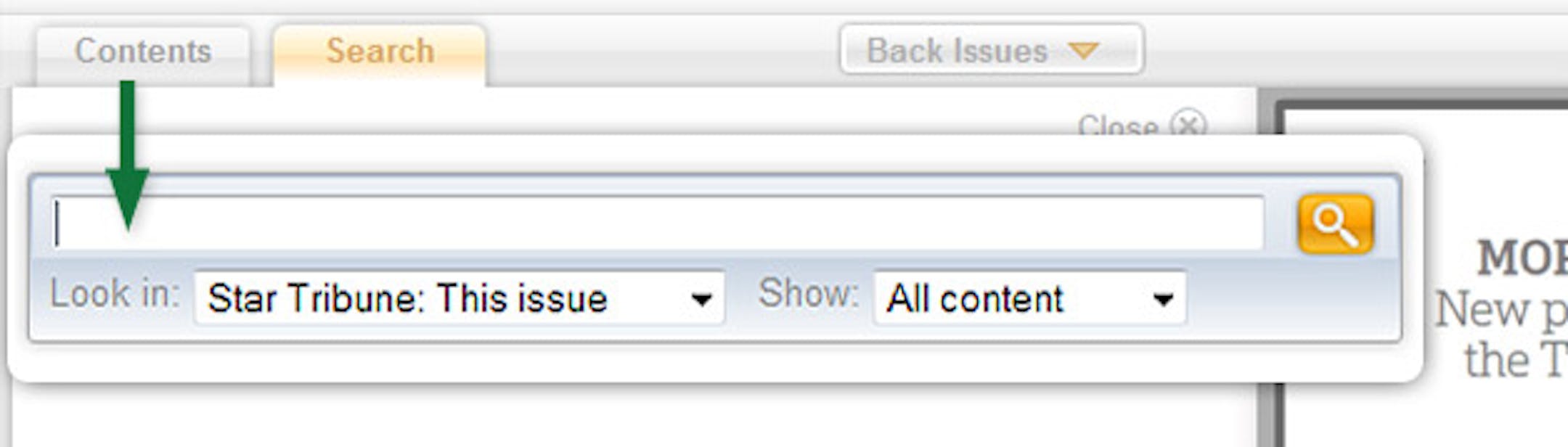
      • Search current and back issues for articles, ads, and photos.
        (The Minnesota Star Tribune)
        • Double-click an article to read in an article window.
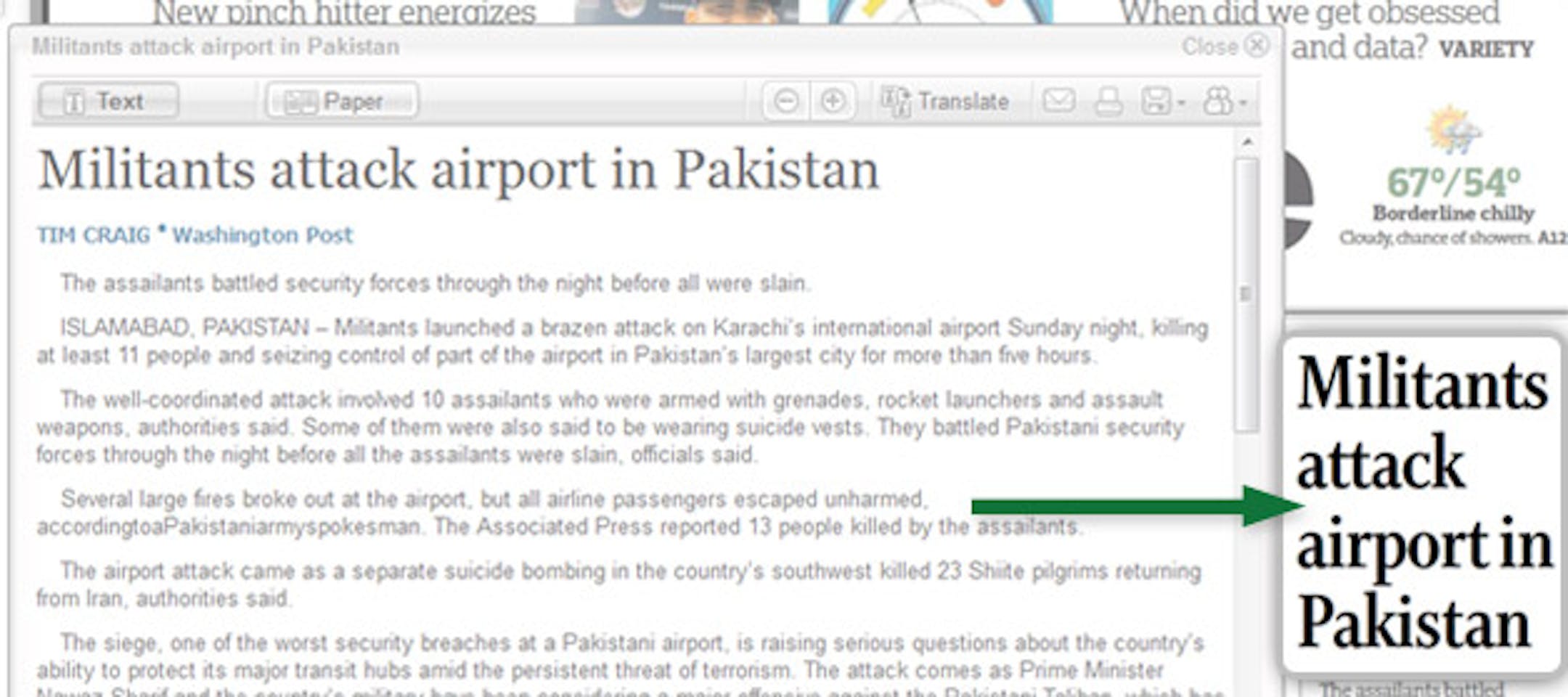
          (The Minnesota Star Tribune)
          • You may also print, save, share, and translate articles to Spanish from the article window.
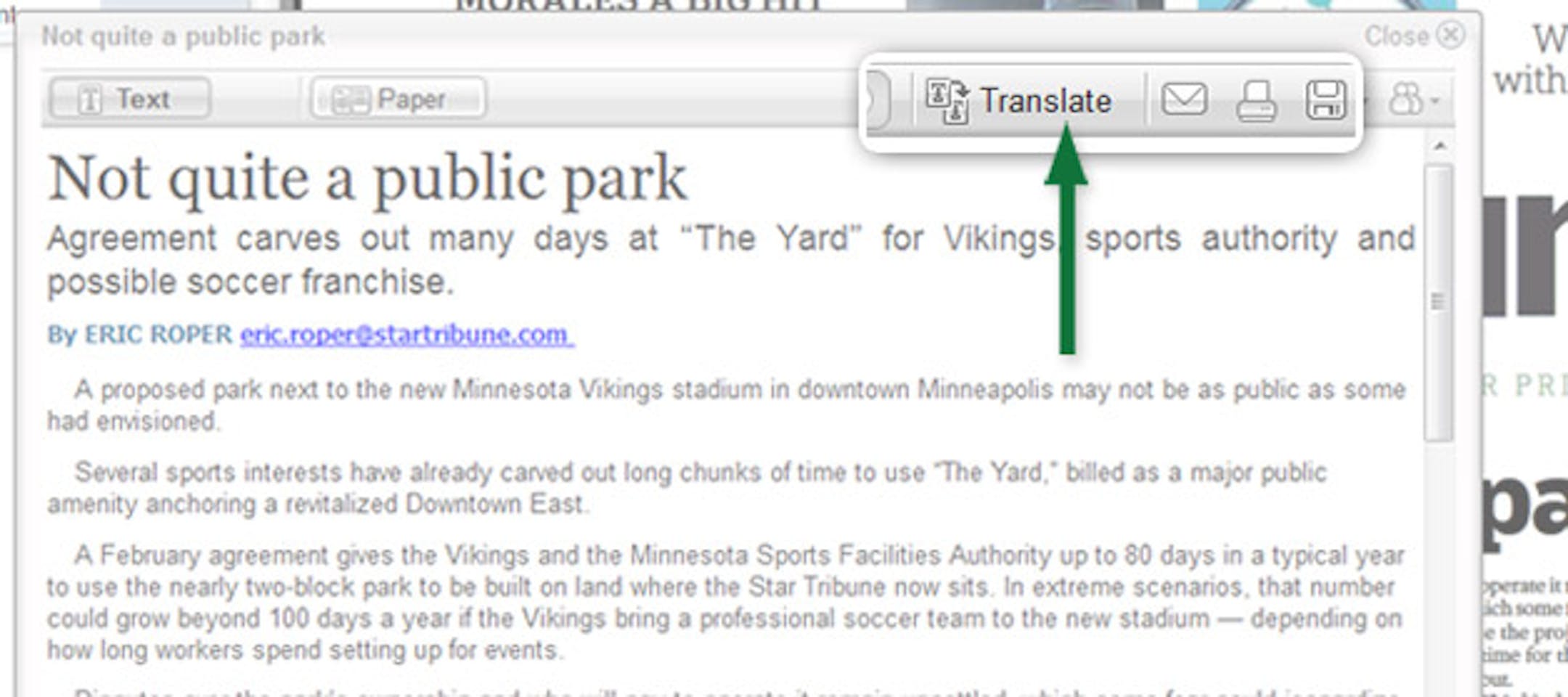
            (The Minnesota Star Tribune)

            three ways to access eEdition anytime

            (The Minnesota Star Tribune)
            • Click the "View eEdition" button in your daily reminder email.
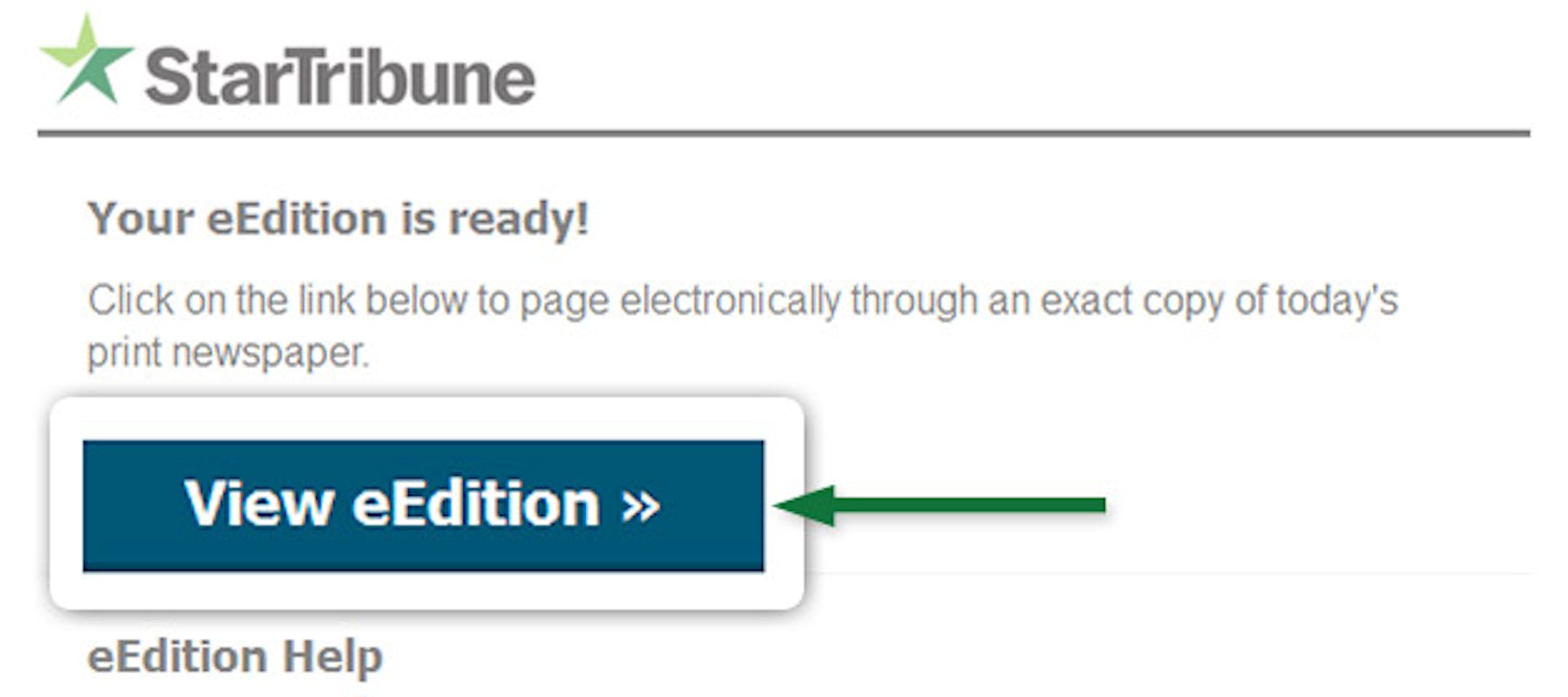
              (The Minnesota Star Tribune)
              about the writer

              about the writer

              More from Minnesota Star Tribune

              See More
              card image
              Provided/Sahan Journal

              Family members and a lawyer say they have been blocked from access to the bedside of Bonfilia Sanchez Dominguez, while her husband was detained and shipped to Texas within 24 hours.

              card image