Thinking of a smart-home device but don't know where to start?
A smart home device is loosely defined as an object connected via Wi-Fi or a different technology to other things in the home, so that a person can control it remotely from a touch panel or an app on a device, said Carley Knobloch, smart home expert for HGTV.
A study by consulting firm McKinsey forecast 29 million homes will become connected in 2017, up from 22 million in 2016. Getting a "connected" home doesn't necessarily mean going out and buying several new devices. Instead, start small, experts said.
Knobloch said first-time buyers should ask themselves what problem they want to solve, rather than buying a device to see how it fits with their lifestyle.
"The truth is, this stuff is all more expensive. How are you going to feel like you made the right investment? How will you stick with it given the learning curve? You also have to know how to keep them updated for security reasons. How to know when it's ready to upgrade and replace completely? It's an uphill climb, and you'll feel the most engaged with it if you're starting with something that will have a huge impact on your life," she said.
Knobloch and Mark Spoonauer, editor-in-chief of review guide Tom's Guide, suggested a few devices for smart home newbies.
Energy-efficiency devices
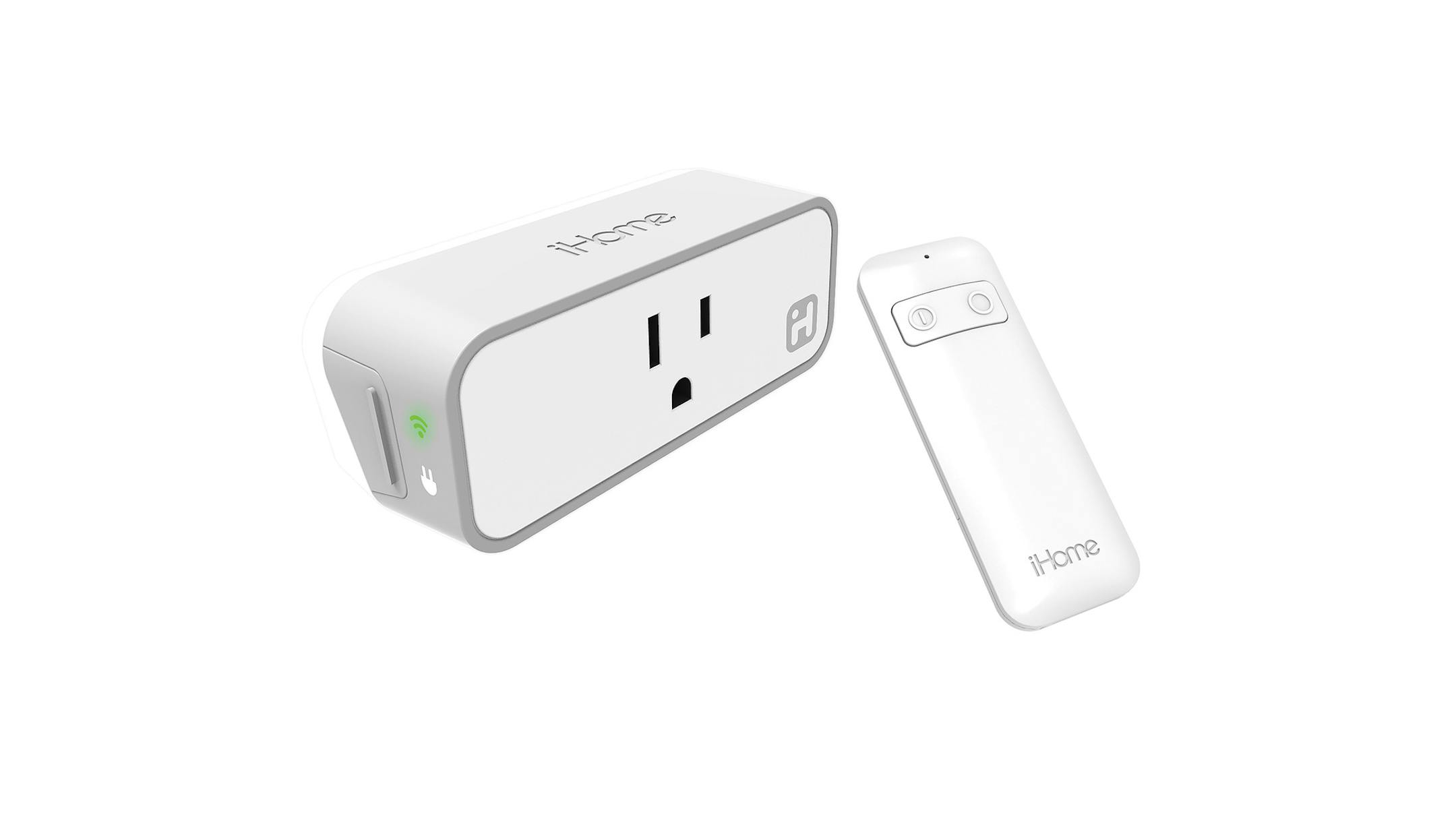
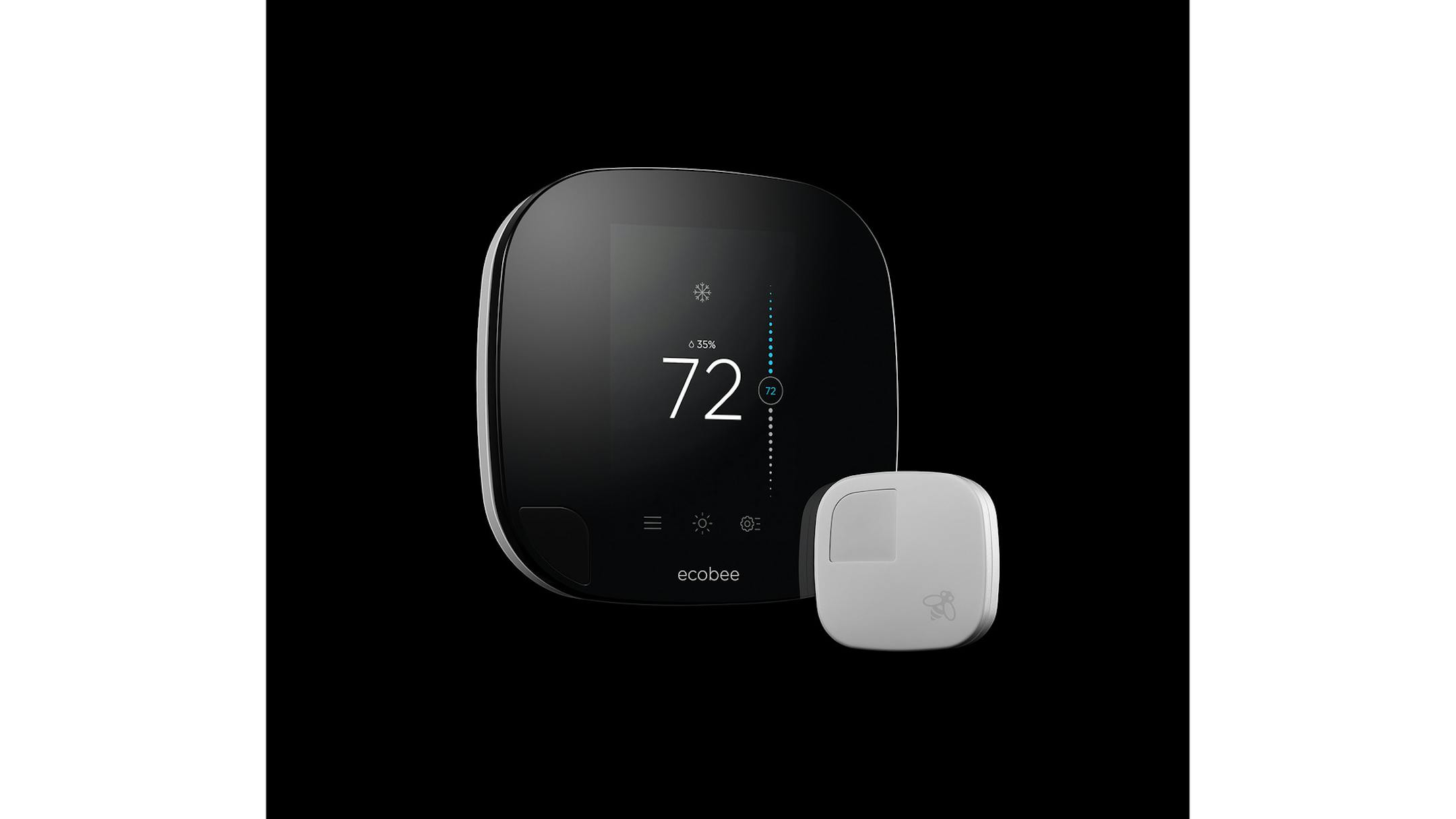
Smart electrical plugs and thermostats can increase energy efficiency. Smart plugs that Spoonauer likes are the relatively inexpensive WeMo Insight ($40) and iHome ISP8 ($50). They turn manual objects like lamps or fans into devices that can be controlled by a remote control or smartphone. They can give energy readouts of how much electricity the plugged-in device is using, and can be turned on or off when the user is away from home and put on an automatic schedule.
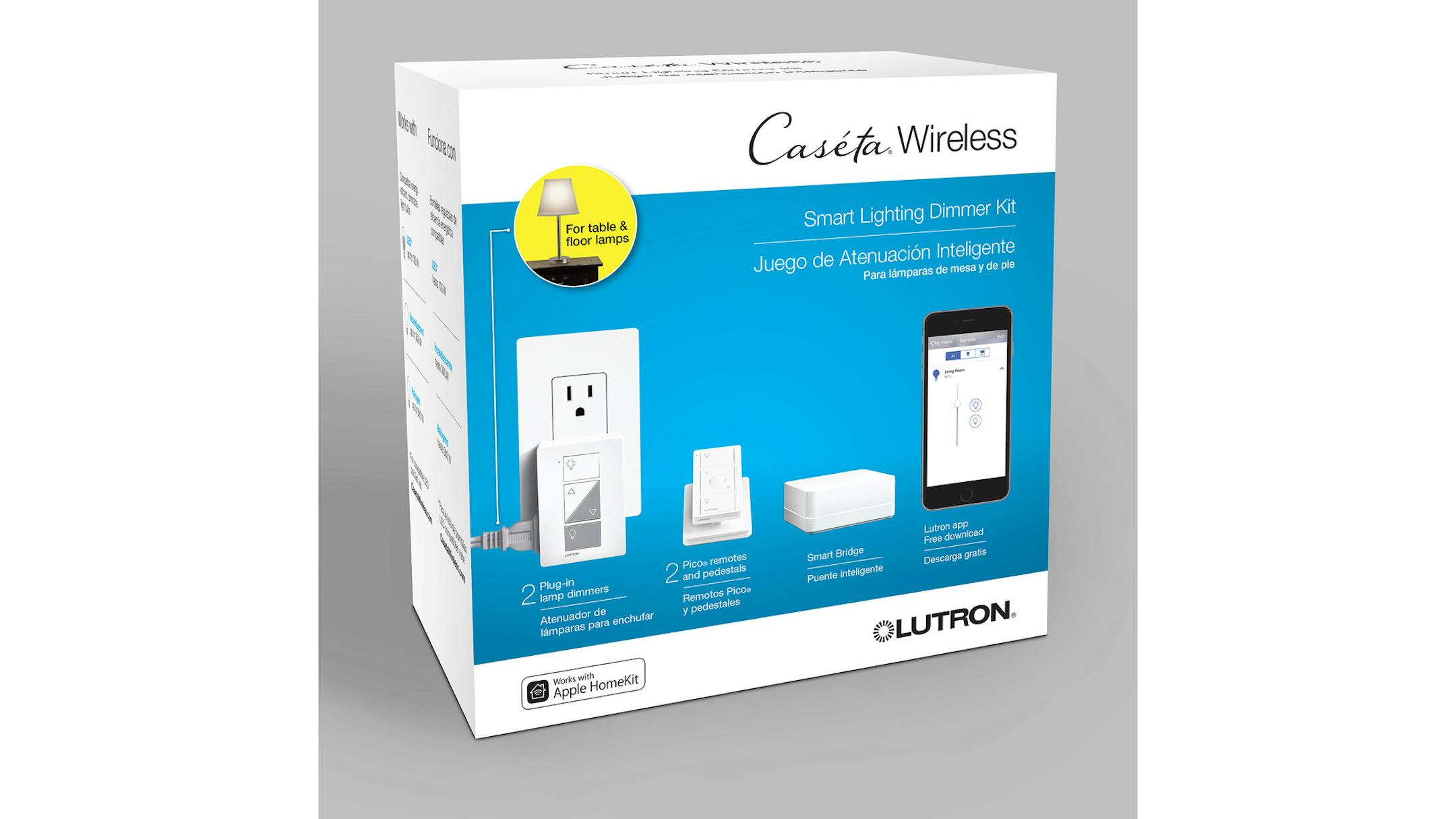
The Lutron Caseta Wireless Smart Lighting Dimmer Kit ($190) turns any floor lamp into a dimmer and allows the homeowner to program lights to turn on and off with sunrise or sunset, or to turn on before the user gets home.