

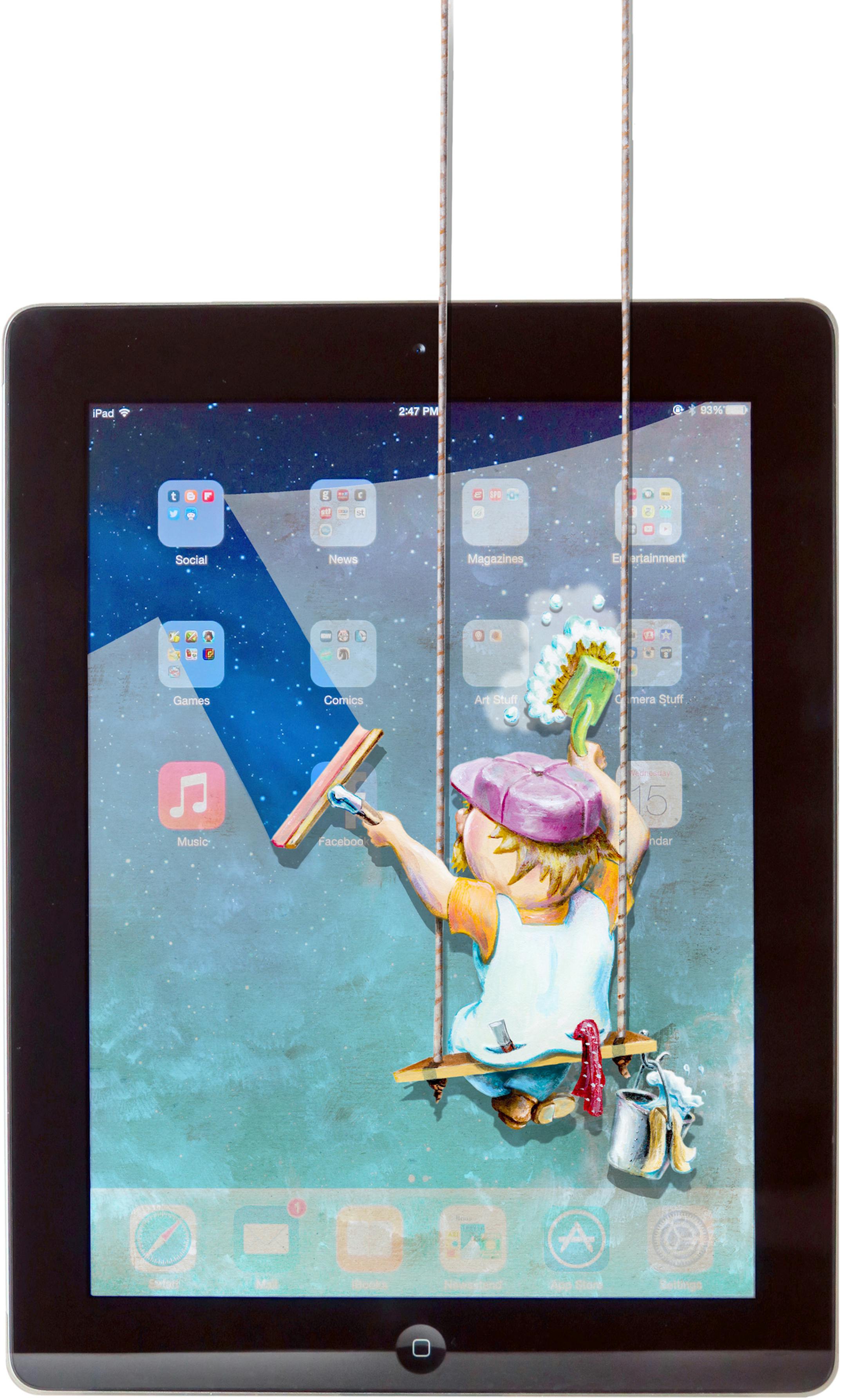
Take a look at your mobile device. Do you see oily fingerprints on the touch screen? Dust and crumbs forming particulate frost in the corners? Is that really a hair stuck at the screen's edge?
Because our electronics are constantly within our grubby grasp, they can get pretty gross. They get taken into public restrooms, passed around to share photos, handed off to runny-nosed toddlers and pressed against our sweaty skin in the gym.
What accumulates is a germy stew worse than what's on the bottom of your shoe.
"That devices can be a source of disease transmission is not a subject of debate anymore," said Dr. Dubert Guerrero, an infectious disease specialist at Sanford Health in Fargo, N.D.
So it's a good idea to keep your devices clean, not only to keep from getting sick but also to maintain resale value when it's time to upgrade. But cleaning an electronic device is tricky, because you don't want to damage it. Worse, manufacturers don't give you much guidance. Still, you can do it — if you're careful and conscientious.
Microfiber first
Guerrero and his colleagues found that regularly wiping down your device with a moist microfiber cloth was sufficient to eliminate many kinds of common bacteria. More enduring and dangerous bacteria like clostridium difficile (which can cause diarrhea or even inflammation of the colon) and flu viruses may require a sterilizing agent like bleach or alcohol, he said.
While manufacturers, including Apple, warn against using alcohol, such wipes work great at cleaning grime, muck and marks off your device. (In fact, many Apple stores are stocked with Clens wipes by Bausch & Lomb, which contain isopropyl alcohol. Apple declined to explain the contradiction.)
A Clens kit, which includes three wipes, a 3-ounce bottle of cleaning spray and a cleaning cloth, costs about $20. But it's far cheaper to make your own.


